A group chat that went quiet
Drop a scene in the chat one evening and by the weekend you have an episode everyone laughs at. No calls and no shared schedule: each person records their role whenever they like, and the funny dub assembles itself.
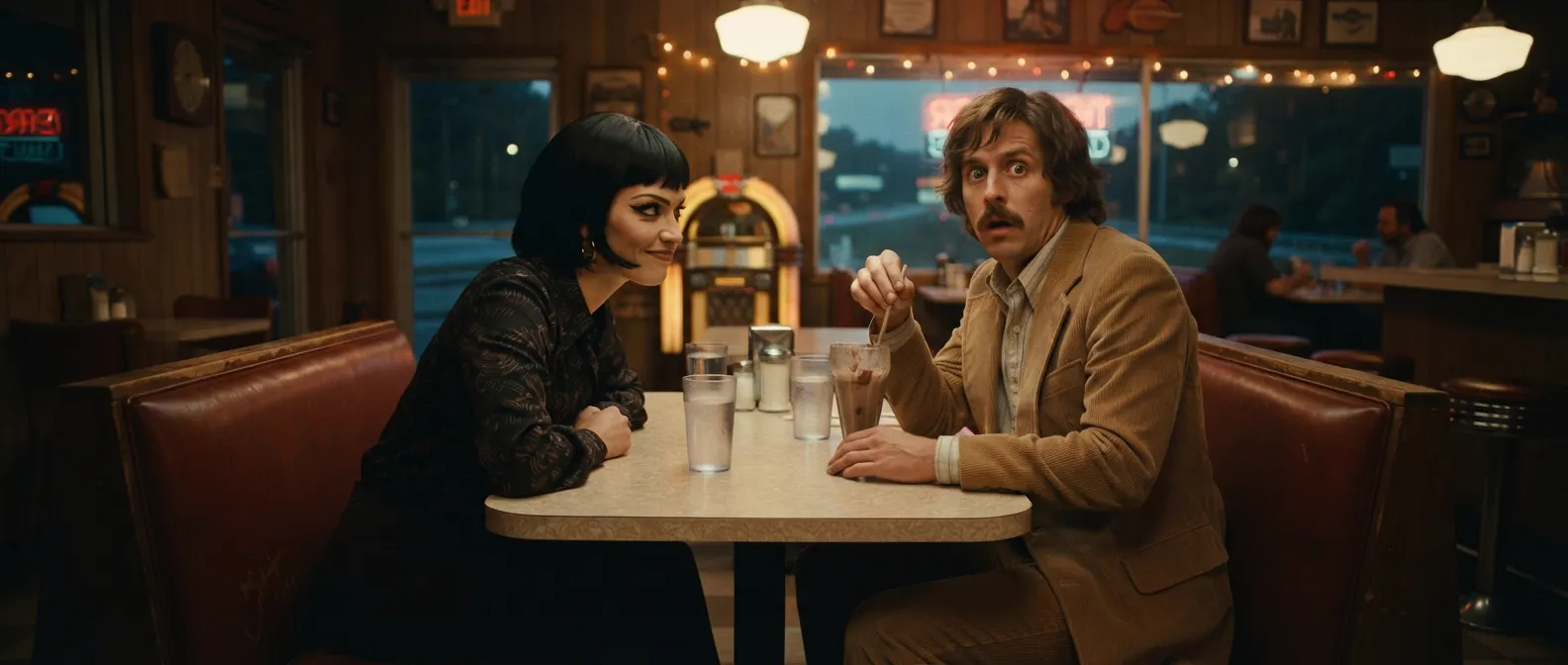
Everyone takes a role and records their lines on their phone, whenever it suits them. Lazy Dub mixes the voices and cuts the episode for you.
Free. Runs in the browser, nothing to install.
Four lines and your episode is done. No editing required.
Pick a scene and drop the link in your group chat.
Ready-made packs from films and shows: roles, lines and timings are already marked up.Friends claim their roles.
Who plays Dolores and who plays Baxter takes a minute to settle. One person can take several characters.Everyone records at their own pace.
On the train, at 2am or three days later. You hear the original, see the subtitle, and can retake as often as you like.The last one in hits “Build”.
A couple of minutes later you get a video with your voices over the film's music and sound. Download it or send it to the chat.Drop a scene in the chat one evening and by the weekend you have an episode everyone laughs at. No calls and no shared schedule: each person records their role whenever they like, and the funny dub assembles itself.
Dubbing a film scene in its original language is hands-on practice for pronunciation and intonation. Students hear the original line, see the subtitle, record and retake, and the class ends up with a video together.
Open a room and post the link in your stream chat: viewers join through it, claim roles and record lines on their phones. At the end of the stream you can watch the result together.
Dubbing a movie as a team works for team building and celebrations: pick a scene that fits the occasion or upload your own in the pack editor. The video with your colleagues' or friends' voices is a keepsake.
Lazy Dub is free right now. You can create a room, record your lines and build the video without paying or adding a card.
No. Lazy Dub opens from a link in the browser on iPhone, Android or desktop, and as a Mini App inside Telegram.
As many as there are characters, or more. One person can take several roles, and several people can record the same role.
Ready-made packs from the library with roles and timings already marked up, or your own clip: upload a video and mark up the lines in the pack editor.
No, your phone's microphone is enough. AI processing removes noise and matches loudness, tone and room acoustics to the original scene.
A video with your voices over the film's music and sound. Watch it in the app, download it and send it to your friends.